Learn
Build your own, one useful step at a time
Practical guides I’m writing to help you design a home base that fits your work, from mapping what you do to planning your setup and using connections and AI thoughtfully.
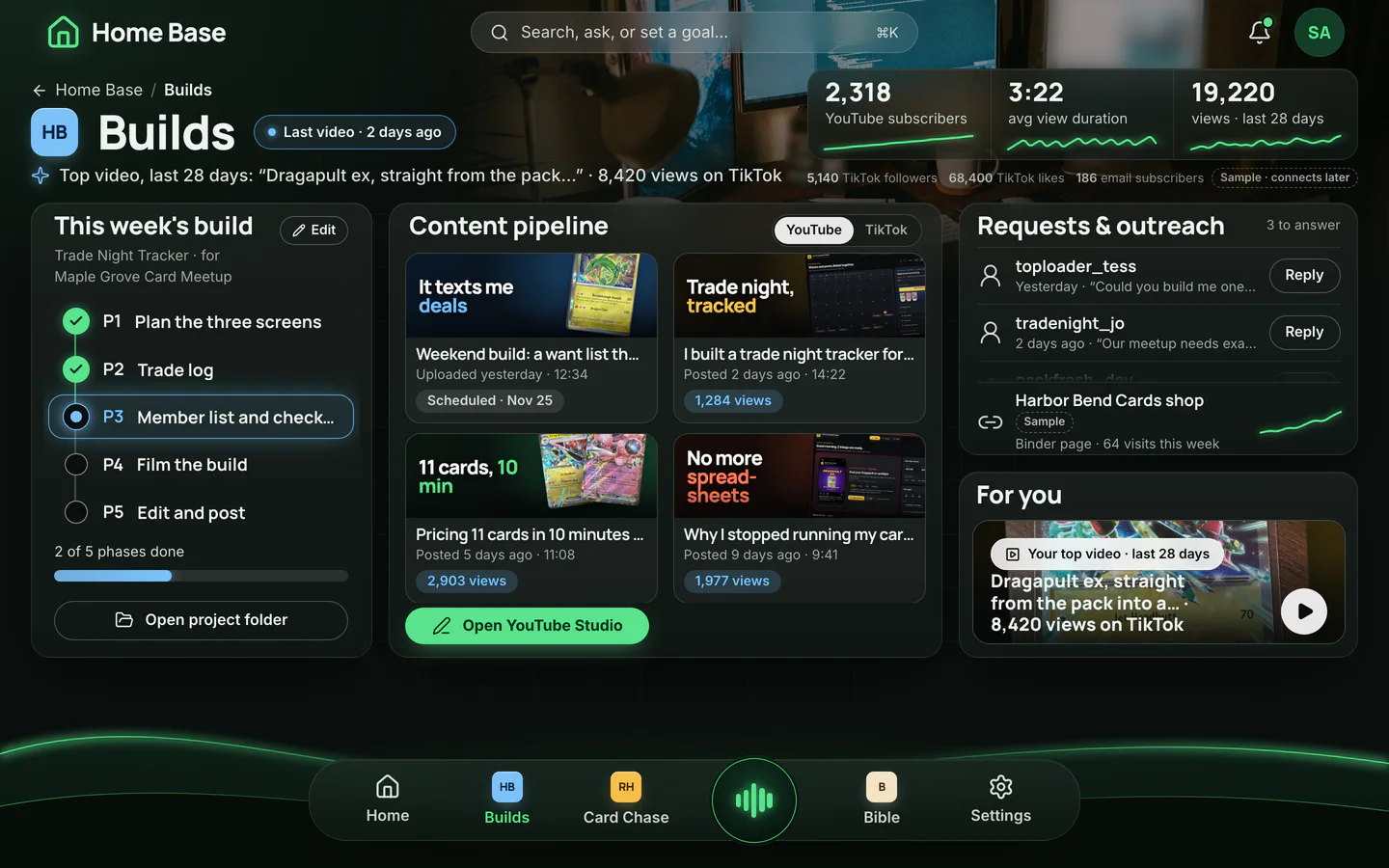
Featured guide · Free
Start with your workflow, not your tools.
A practical guide to clarify your work, spot what you need, and design a setup that supports it before you choose tools or build anything.
Read the guideLearn the basics
A short, practical series to take you from plan to a working setup. I haven’t published these yet.
- Planned guide
Map your daily work
Turn your work into a clear plan, so you know what to build and what to keep simple.
- Planned guide
Design your first dashboard
Lay out a clean, useful dashboard that brings your key work, progress, and information together.
- Planned guide
Understand connections and AI
The basics of linking your information, and where AI can help, with a practical, real-world view.
Want to hear when new guides are published? Get updates.
Before you begin
A few things to know so you can plan a setup that’s realistic and sustainable.
What you need
Paper and a pen are enough to start. The first guide maps your workflow before any software comes into it, so you choose tools based on your work, not the other way around.
Separate software costs
The guides are free. Whatever you build with later, such as apps, add-ons, hosting, or AI features, may be paid separately to their providers.
Data permissions
You stay in control of your data. Review what each connection can access, and only grant the permissions you need.
Maintenance
A useful setup needs occasional upkeep: refreshing content, refining your workflow, and keeping connections working as tools change.
Prefer a head start? Have one built for you