Posts, reminders and recaps are drafted from your own stock and calendar. Approve, edit, or skip each one.
Your next post, previewed
The post that matters most today, shown as it will look on Instagram inside a phone, with Approve & post.
A plan that links up
Shows, brand deals or classes on one calendar, each linked to the posts and prep that belong to it.
One layout, three side hustles
The same layout, built around three different side hustles. Only the content, page names and colours change. Pick the one closest to yours.
Real build · demo data
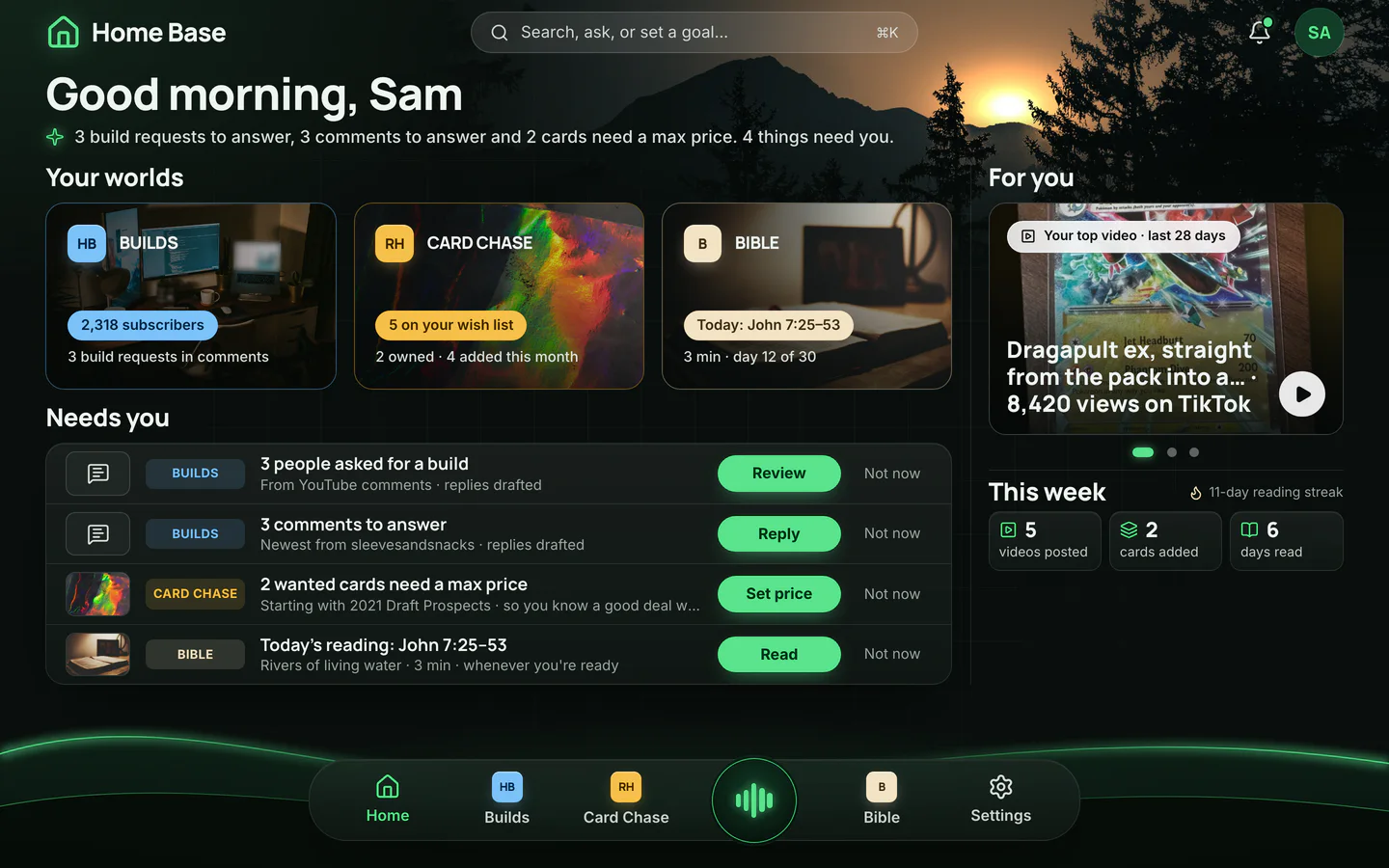
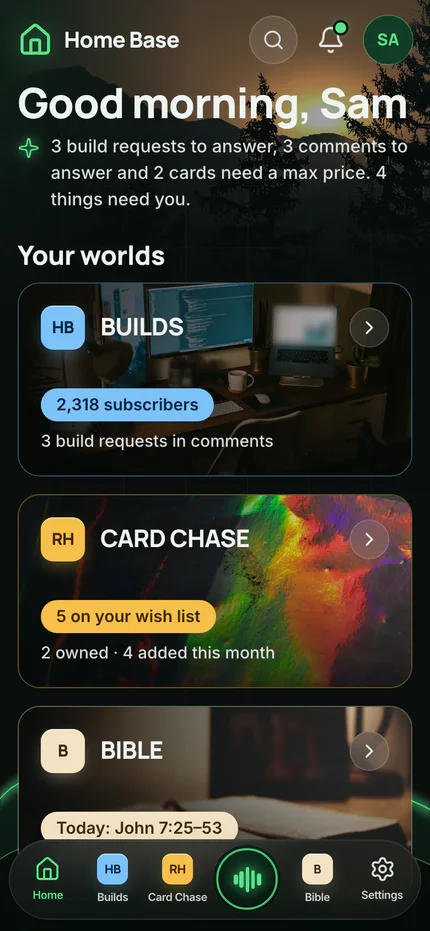
Card Home Base. For people who sell Pokémon cards online and at card shows. This is my own working app.
TodayReal build with demo data. Photos of my own cards, with a made-up shop.
Sample screens
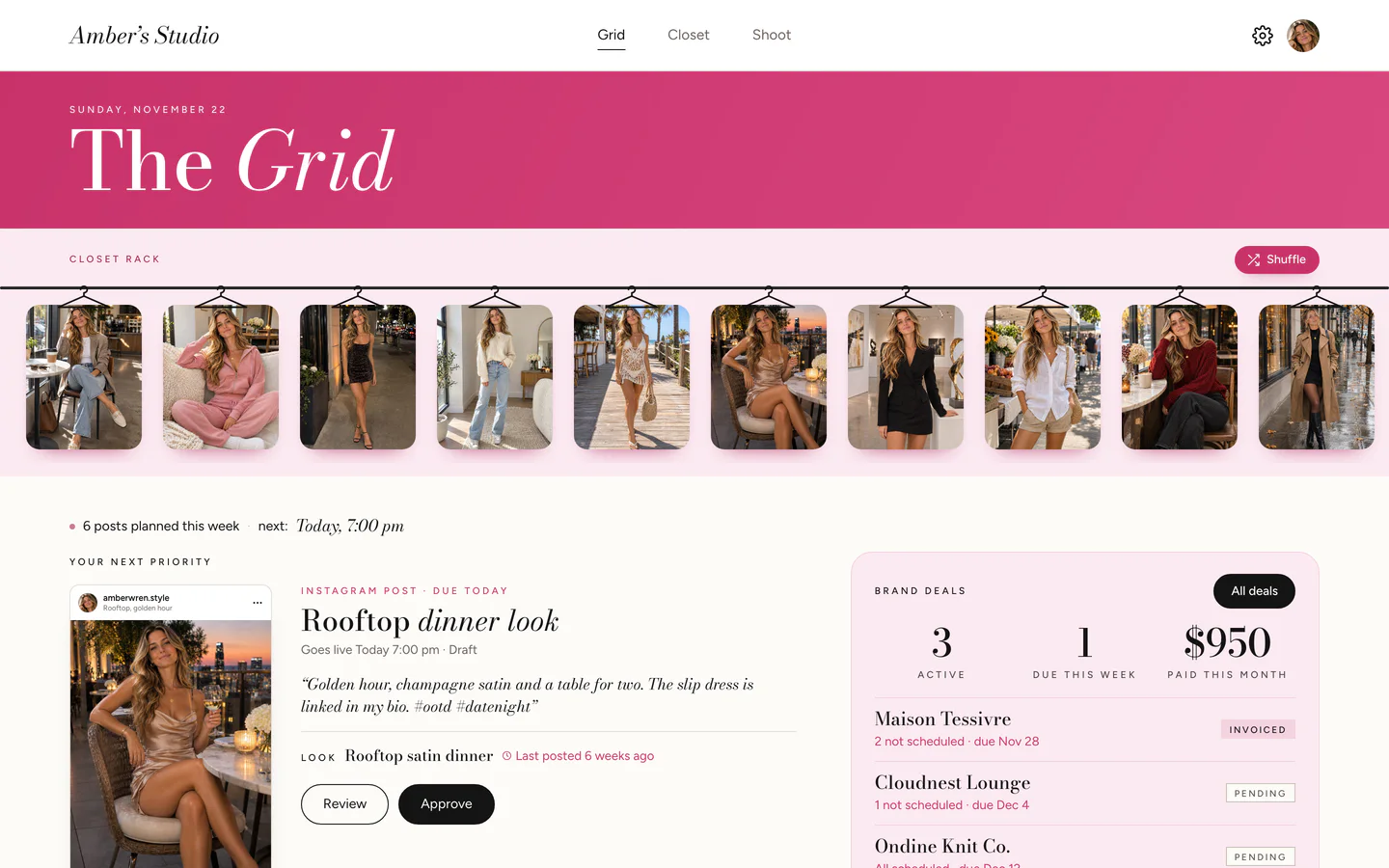
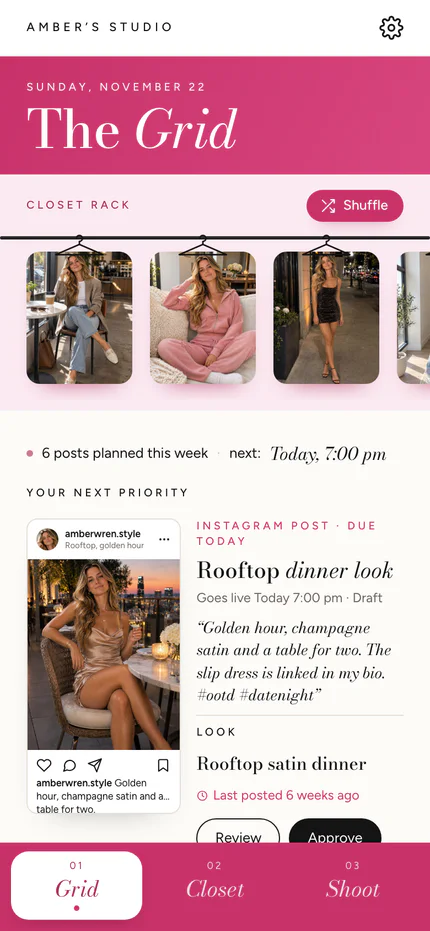
Style Home Base. For fashion creators who post outfits and work with brands. Shown for a made-up creator, Amber.
TodaySample screens with made-up data. Model images are AI-generated.
Sample screens
Fitness Home Base. For coaches and trainers who post workouts and run classes. Shown for a made-up coach, Kai.
TodaySample screens with made-up data. Model images are AI-generated.
What it is
Display Case opens on your day. Today shows the one post that matters most, as it will look on Instagram, next to the drafts that are ready for you, this month’s money and this week. Create puts what you sell or show (cards, closet pieces, workout moves) next to a design studio. Plan is a month calendar where your shows, deals or classes link to the posts and prep around them. It’s the layout of my own card app, Card Home Base, and I build it around whatever you sell or make, so most days you only approve, tweak, or skip.
The look: Dark panels, one bold accent colour, and your next post shown inside a phone.
The three pages
1
Today
Your next priority shown as it will look where it ends up (an Instagram post in a phone), with Approve & post, Edit and Move to tomorrow. Next to it, this month’s money and this week. Below, the drafts that are ready for you.
2
Create
What you sell or show, next to the design studio: cards, closet pieces or workout moves. Tap to pick, choose a design (a social post, flyer, labels or a recap), then download it or schedule it.
3
Plan
A month calendar of posts and the things they lead up to: card shows, brand deals or classes. Click one to see its prep, what to bring or deliver, and the posts that go with it.
What works now
In Card Home Base, my own card app and the working build behind this layout:
Drafts and captions written from your cards and calendar, with vibe chips (Hype, Funny, Chill, Collector).
Suggested market prices from the free TCGdex service, and a draft when your asking price is far off.
Card scanner for single cards, small batches and 9- or 12-pocket binder pages.
Social posts as PNGs, and print-ready PDFs for price labels, flyers and featured sheets.
Show prep that stays dated before its show, and a recap with sales after it.
Mac and iPhone sync on the same Wi-Fi, backup and restore.
What you do yourself
Posting. Approve & post copies the caption and downloads the picture; you post it yourself. No Instagram, X or Facebook account is connected.
Money. The money panel counts only the sales and spending you log.
Checking scans. The scanner suggests each card and you confirm it.
Next priority post. The one post that matters most right now, shown as it will look on Instagram (a post, reel or story), with Review and Approve.
Your stock on a rail. Cards, outfits or sessions hang on a rail at the top of Grid, so you see what you have at a glance and can shuffle what to feature.
Collection and design studio. Pick items from your Binder, Closet or Programs and drop them into a template like Top three, Outfit spotlight or Workout spotlight.
See it for all three
Sample screensPictured: fashion. Sample screens with made-up data. Model images are AI-generated.