LayoutGrid · Collection · Shoot

Editorial Grid

A bright, magazine-style home base for one side hustle, laid out around your grid: what you post, what you have, and what you shoot.

  • Next priority post

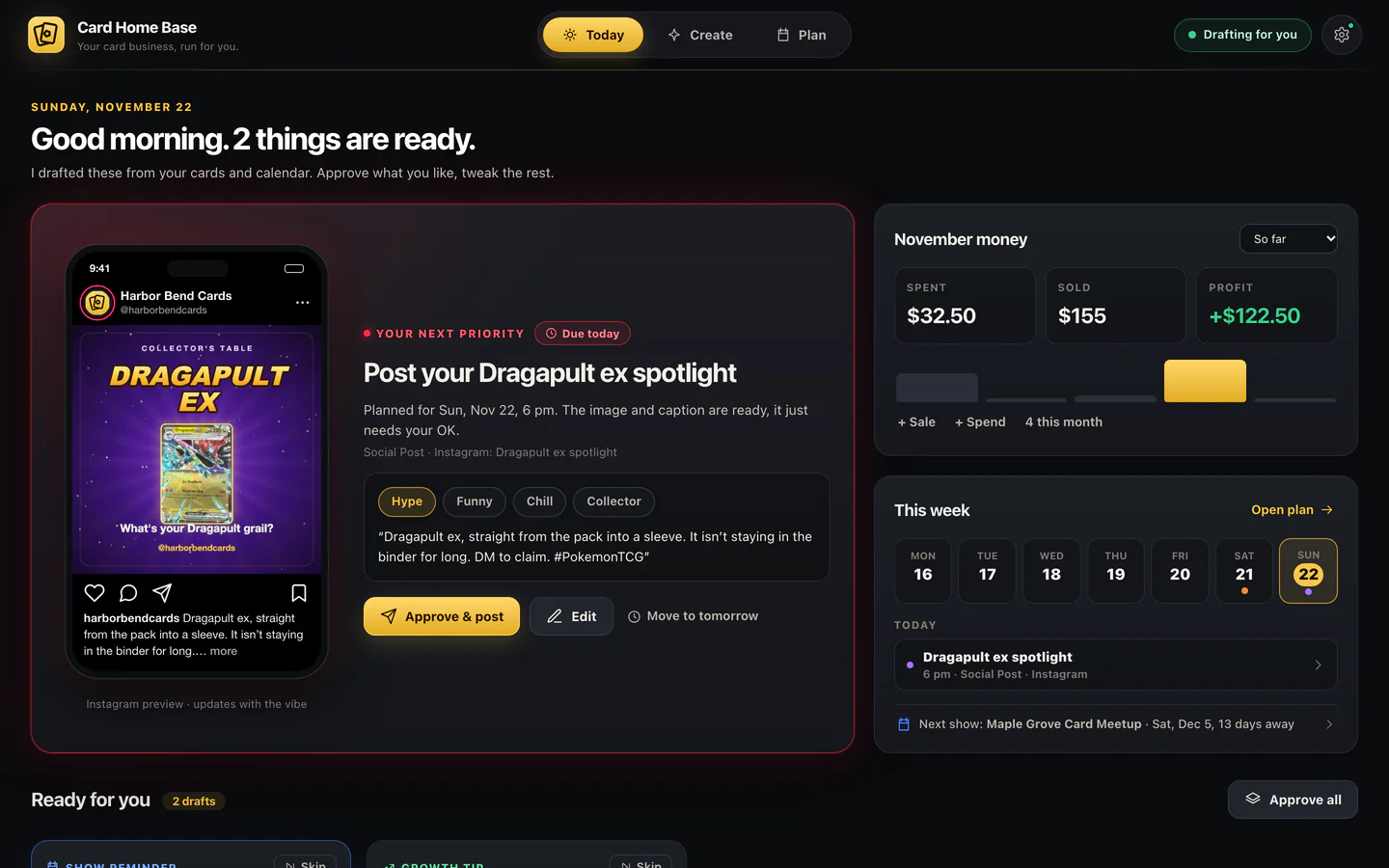
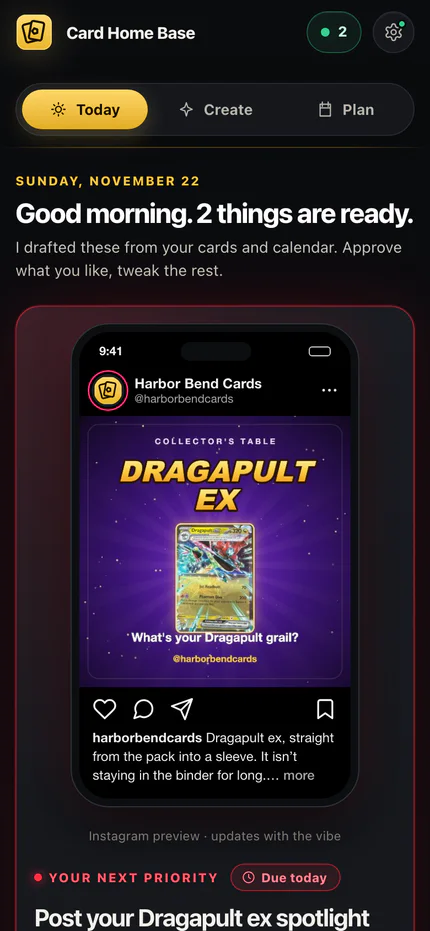
    The one post that matters most right now, shown as it will look on Instagram (a post, reel or story), with Review and Approve.

  • Your stock on a rail

    Cards, outfits or sessions hang on a rail at the top of Grid, so you see what you have at a glance and can shuffle what to feature.

  • Collection and design studio

    Pick items from your Binder, Closet or Programs and drop them into a template like Top three, Outfit spotlight or Workout spotlight.

What it is

Editorial Grid reads like a magazine. Grid shows your featured stock on a rail, your next priority post as it will look on Instagram, and the sales, deals or clients that need you. The middle page is your collection, named for what you have (a Binder for cards, a Closet for outfits, Programs for workouts), with a design studio that turns it into posts. Shoot is your week of posts, shoots and deadlines, with each idea’s stage from idea to posted. It comes from the fashion creator builds I’ve made, and I build it around whatever you sell or make.

The look: Paper white with one accent colour, Bodoni headings, and your stock hung on a rail.

The three pages

  1. Grid

    Your featured stock on a rail, your next priority post shown as it will look on Instagram, and a panel for what needs you: shows and sales, brand deals, or clients.

  2. Binder, Closet or Programs

    Your collection with a design studio. Pick items, choose a format (Top three, Outfit spotlight, Workout spotlight, a story or a promo), and write the caption.

  3. Shoot

    This week of posts, shoots and deadlines by day, colour-coded by platform, and how many ideas sit at each stage from idea to posted.

What works now

In the fashion creator builds this layout comes from:

  • A closet of your pieces with categories, tags, and how often you’ve worn each one.
  • Outfits built from your closet and placed into post templates, then downloaded as images or scheduled.
  • “Ready for you” drafts of captions, story sets and brand follow-ups, each with Approve, Edit or Skip.
  • Brand deals from pitch to paid, with deliverables, due dates, fees and what’s still owed.
  • A content calendar of posts, shoots and brand dates, linked to the deals and outfits they belong to.

What you do yourself

  • Posting. Approve gets the picture and caption ready; you post it yourself. Nothing posts to Instagram or TikTok for you.
  • Photos and pieces. You take your own photos and add your own pieces or stock.
  • Money. The deals tracker counts the fees and payments you enter.